SysMail PDF Split Tool
SysMail PDF Split Software
Download SysMails PDF Split Tool, a fast and user-friendly application which assists users in managing PDF files in such a way that no original formatting gets affected. SysMails PDF splitting tool is totally safe and compatible with all Windows versions. Users will be able to do the pdf join and split tasks conveniently. Whether it is about splitting the pdf file into several parts or merging the multiple pdf files into one file, SysMails delivers perfectly each and every time.
- Batch splitting of PDF documents at lightning-fast speed and with full accuracy.
- Facilitates splitting of PDF documents by specifying the pages to be used or customizing page range.
- Option to split big PDF files based on the document size measured in MB.
- Retains the folder structure, format, and layout of the PDF documents as a whole.
- All attachments and embedded objects retained in the output PDF documents.
- Adding of single PDF documents as well as folders to process.
- Different modes available like By Pages, Page Range, Odd Pages, Even Pages.
- Option to split or merge PDF documents with no limitations on file quantity.
- Works with all versions of Windows OS including Windows 11, 10, 8.1, 8, 7, Vista, and XP.
- Option to exclude attachments when splitting PDF documents.
- Processes password protected PDF documents securely without affecting the data integrity.
- Users have the flexibility to save output files in a single folder or different folders.
Effortlessly Split PDF document
This pdf splitter free tool assists its users in splitting their large files into small documents through selected pages. They may also split PDF documents depending on the odd and even pages and page range. Separate PDF files are created automatically with the same original layout.
Split PDF by Odd Pages
With the Odd Pages split feature, it is possible to split all the odd pages in your PDF document. In other words, if your PDF document has 20 pages, then the program will split the PDF into another PDF, which consists of only odd pages, 1, 3, 5, and so on.
Split PDF file Securely Without Data Loss
SysMails pdf splitter free tool provides various splitting options to manage files easily. Users have an option to split their pdf files based on the number of pages and store the output files separately. It maintains the integrity and quality of all the documents during the process.
PDF Split Tool for large PDF Files
Processing large pdf files becomes easy for users using SysMails PDF Split Tool. With using this tool all users get an option to split huge pdf file based on its size along with all previous data included emails.
Free and User-Friendly Software
The SysMails software acts as a very trustworthy pdf splitter free software for those people who are often working with pdf files. This pdf splitter free software works on all Adobe pdf formats and works with no need for any technical knowledge.
Download SysMails PDF Split Tool for Windows
SysMails PDF Split Tool supports Windows 11, 10, 8.1, 8, 7, Vista and XP. It is a good choice for businesses, students and professionals that need a good software for working with pdf files. It is secure and gives you accurate results.
SysMail PDF Split Tool: Screenshots
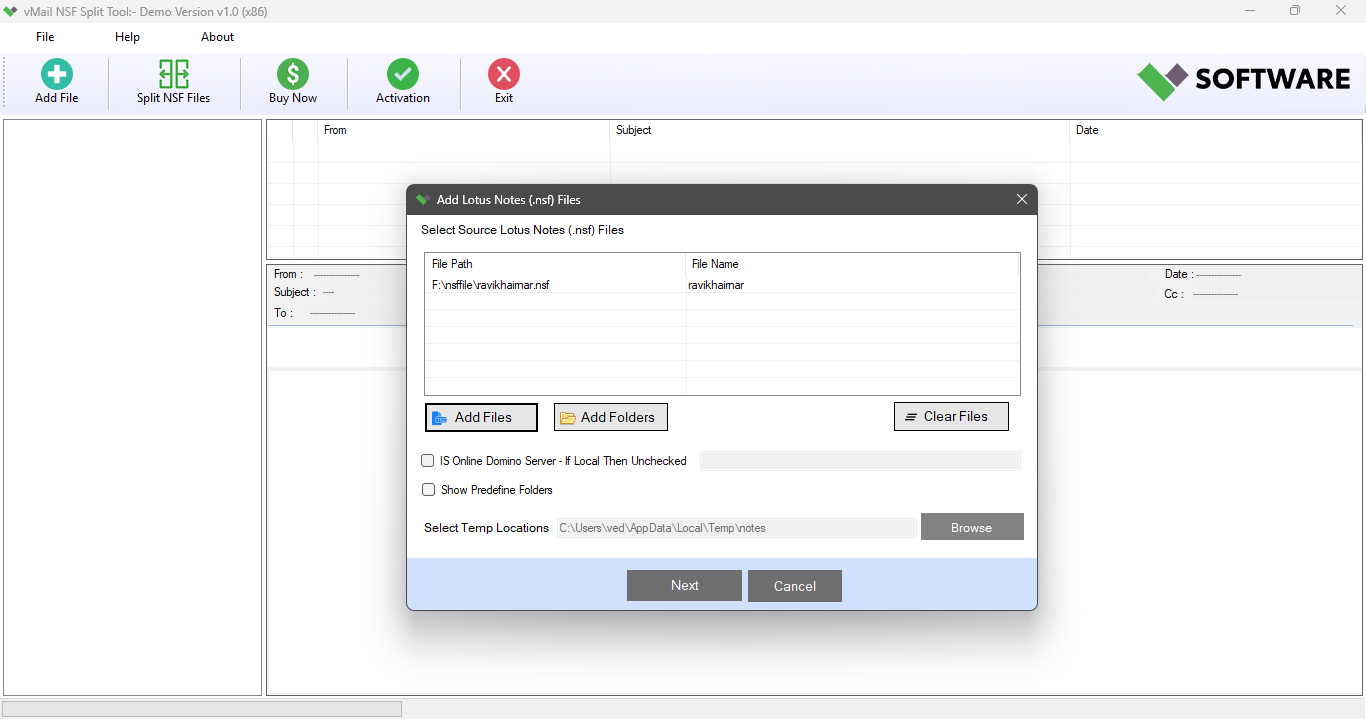
Step-1
Select PST file
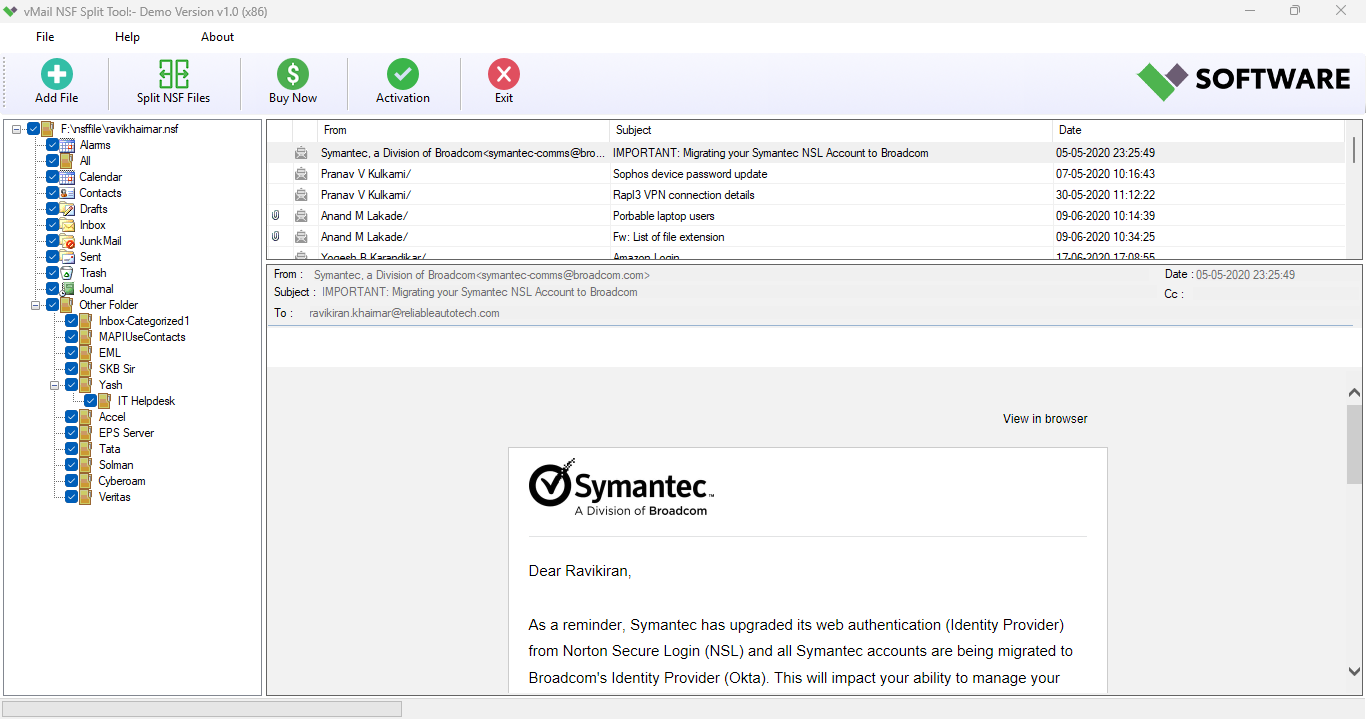
Step-2
View emails data
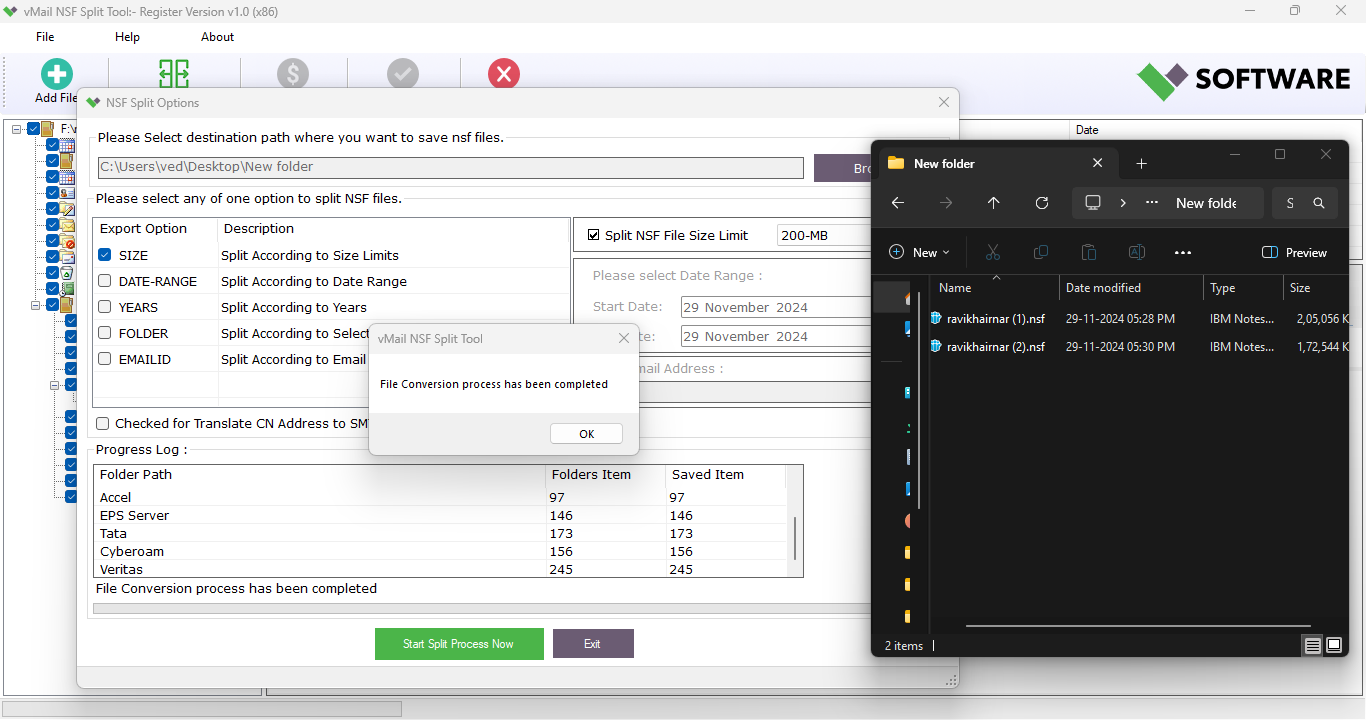
Step-3
Select Export Options
What Our Client Say
"SysMails PDF Split Tool simplified working with huge PDF files greatly for our company. Batch processing feature helped to save many hours and software kept all formatting intact. Recommended for business users highly."

Niamah Hower
Founder"The only thing I was looking for is simple tool to split and merge PDF documents, without any changes in their quality. SysMails PDF Split Tool did it and even better than I expected. User-friendly interface and page range functionality helped to organize all my files just as I want."

Alivin Corondo
Designer"I work extensively with large PDF files as a legal professional. With the help of SysMails PDF Split Tool, I was able to split password-protected files quickly into several files in just minutes. The software is efficient, dependable, and very user-friendly."

Steph Kruse
FounderFrequently Asked Questions