SysMail HCL Notes Email Converter
SysMail HCL Notes Email Converter Software
Get SysMail HCL Notes Email Converter Software, an effective solution to help you convert IBM Lotus Notes/HCL Notes NSF files to PST and other file formats. The software allows users to easily restore and extract emails, contacts, calendar, and attachments from individual NSF files or multiple NSF files accurately. The software can export NSF files to PST, MSG, CSV, VCF, EML, TXT, and HTML formats without disturbing their folder structure and attributes. Some powerful filters enable you to convert NSF files selectively, and the software can work on any version of Microsoft Outlook, IBM Lotus Notes, and HCL Notes.
- Retrieve e-mails from a single NSF file or multiple NSF files at once.
- Retrieves, restores, converts NSF e-mail files with attachments without losing any data.
- Filtering options for e-mail addresses and headers to retrieve specific data.
- Export NSF files of Lotus Notes to PST, MSG, CSV, VCF, TXT, and HTML file formats.
- Date based advanced email filter for selective conversion.
- Preserves folder structure, sub-folders, metadata and attributes of emails during the process of conversion.
- Email preview feature for previewing e-mails, attachments, contacts, calendar, and other mailbox contents before extraction.
- Option for restoring full mailbox or selected emails from NSF files.
- Supports processing of NSF files of any size without compromising performance.
- Compatibility with all versions of IBM Notes, Lotus Notes and HCL Notes.
- Support for all Windows operating systems – 32-bit and 64-bit.
Batch NSF File Conversion
The SysMail HCL Notes Email Converter software provides the ability to perform batch processing of NSF files to extract necessary information from one NSF file or from several NSF files at once. Just select the NSF files you want to extract data from, and it will do it automatically. There are no limitations related to the size of the NSF file.
NSF File Email Preview
The SysMail HCL Notes Email Converter software provides comprehensive preview of the complete NSF file along with the folder structure and individual emails contained within. The software comes with assistance which helps users verify their content prior to exporting NSF File data.
Lotus Notes Installation Mandatory
For extracting and exporting the data from NSF files, one requires Lotus Notes installation on the system. The NSF attachment extractor software fully supports all major versions, including 12.0.2, 12.0.1, 12.0, 11.0.1, 11.0, 10.0.1 and lower versions.
Conversion to Various File Formats
The SysMail HCL Notes Email Converter Software easily recovers and converts the data into file formats like HTML, EML, PST, MSG and others. All email attributes – To, CC, BCC, Subject and metadata – remain intact during conversion process.
Extract E-mail Attachments
Download SysMail HCL Notes Email Converter Software which enables you to extract attachments from NSF files while preserving the file integrity and structure. It supports all sizes of attachments and e-mails, making sure that the process is quick and error free.
User-Friendly Interface
SysMail NSF attachment extractor software is designed for technical and non-technical users alike. It makes the process easy as it utilizes simple graphical interface to extract and convert data from HCL Notes.
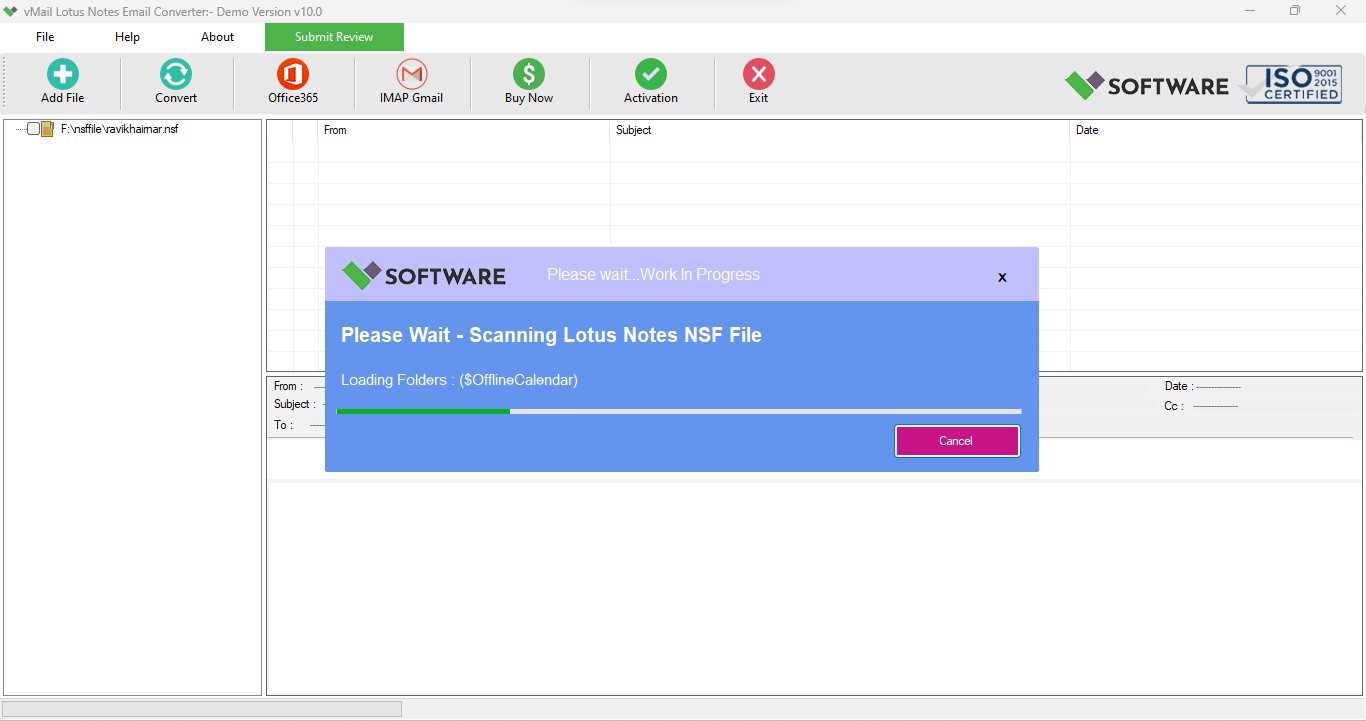
SysMail Lotus Notes Email Converter: Screenshots

Step-1
Select Lotus Notes file
Step-2
View emails data

Step-3
Select Export Options
What Our Client Say
"With the help of SysMail HCL Notes Email Converter Software, I was able to extract all my emails and attachments without missing a single file. The process was easy and well-organized."

Niamah Hower
Founder"I highly recommend this SysMail HCL Notes Email Converter for anybody dealing with NSF files. It is fast, safe, and definitely worth your money."

Alivin Corondo
Designer"SysMail worked well with my big NSF files. I am ready that I could use its batch conversion option."

Steph Kruse
FounderFrequently Asked Questions