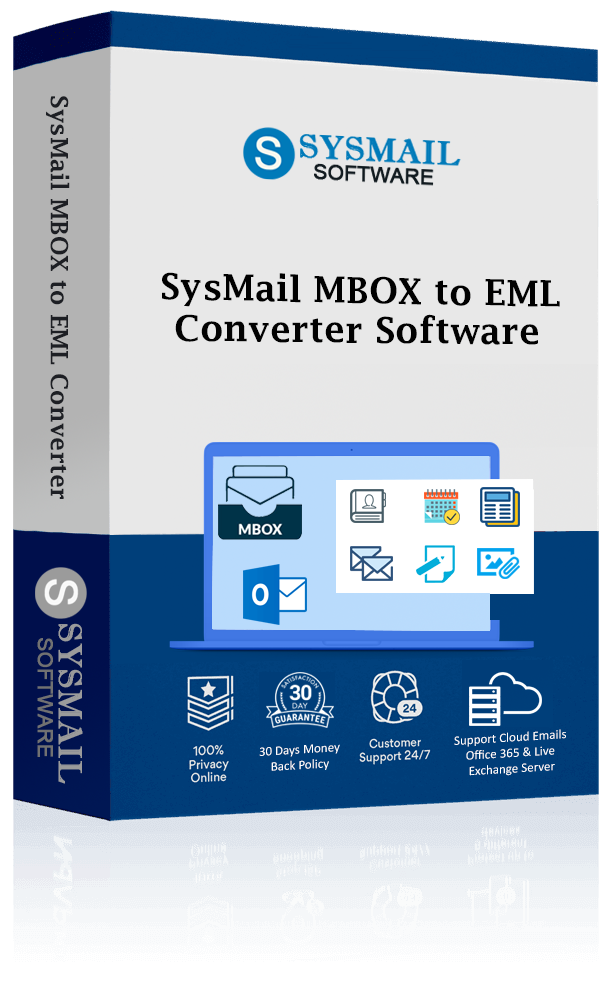
SysMail MBOX to EML Converter
SysMails MBOX to EML Converter is an effective and error-free solution for the secure and precise conversion of MBOX files to the EML format. The professional software will enable you to carry out seamless and effortless MBOX to EML file conversions without losing any data. The software enables you to convert your emails as well as your contacts, calendar, tasks, and notes. With this powerful application, users can quickly export MBOX to EML from widely used MBOX-supported mail clients such as Thunderbird Mail Client, Apple Mail, Entourage Mail Server Application, PocoMail Desktop Application, and Google Takeout for storage purposes.
- Supports single and batch MBOX to EML conversion.
- Completely free to install on all Windows versions.
- Supports MBOX emails with attachments and formatting.
- Facilitates selective migration of certain files or folders from MBOX to EML.
- Preserve entire folder structure and database integrity during MBOX to EML Conversion.
- Support for Google Takeout MBOX Files migration from EML.
- Works for Thunderbird, Apple Mail, Eudora, Netscape, SeaMonkey, PocoMail.
- Inbuilt preview facility for previewing emails prior to the conversion process.
- Suitable for all Windows Versions (32-bit & 64-bit).
Bulk and Selective MBOX to EML Conversion
The SysMails MBOX to EML Conversion Tool supports bulk as well as filtered conversions of MBOX to ELM. This allows users to convert either single or multiple files simultaneously without any restrictions in size, thus making the process of transferring MBOX to EML extremely fast and efficient.
Works with All MBOX Email Clients
This professional software supports the MBOX files created from various mail clients such as Thunderbird, Apple Mail, Entourage, PocoMail, Eudora, Netscape, SeaMonkey, and Google Takeout. This software can run automatically without the help of any other software for the process of converting MBOX to EML.
Works well with All Windows Versions
MBOX to EML software supports all the newer Operating Systems like Windows 11, 10, 8.1, 8, as well as the old ones like Windows 7. MBOX to EML software can run on both 64-bit and 32-bit Operating Systems. Processed EML files can be easily viewed in Outlook, Windows Live Mail, or any other mail client.
Preserves Attachments and Email Properties
When migrating from MBOX to EML, the software makes sure that all emails, including their formatting, headers, and metadata, are not modified. There is no chance of data corruption or loss during the conversion from MBOX to EML.
Fast, Secure, and Accurate Conversion
SysMails MBOX to EML Converter Software ensures 100% accuracy in the process of conversion at a high speed of processing. It avoids errors like missing emails, improper formatting, and improper folders while performing the manual procedure of MBOX to EML conversion.
Simple and User-Friendly Interface
Designed for both tech and non-tech individuals, this is an easy-to-use interface software. Non-tech individuals can also export MBOX files to EML format without any technical assistance. Moreover, technical support is also provided if needed.
SysMail MBOX to EML Converter: Screenshots
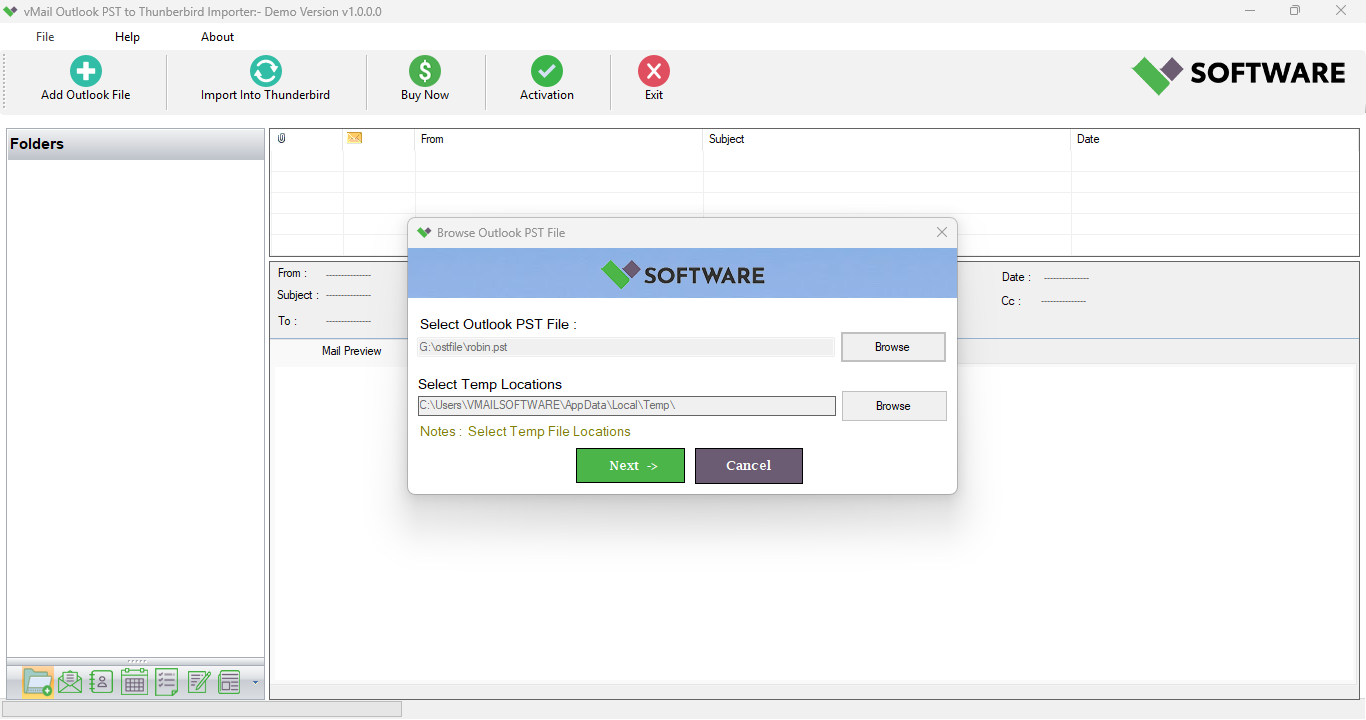
Step-1
Select MBOX file
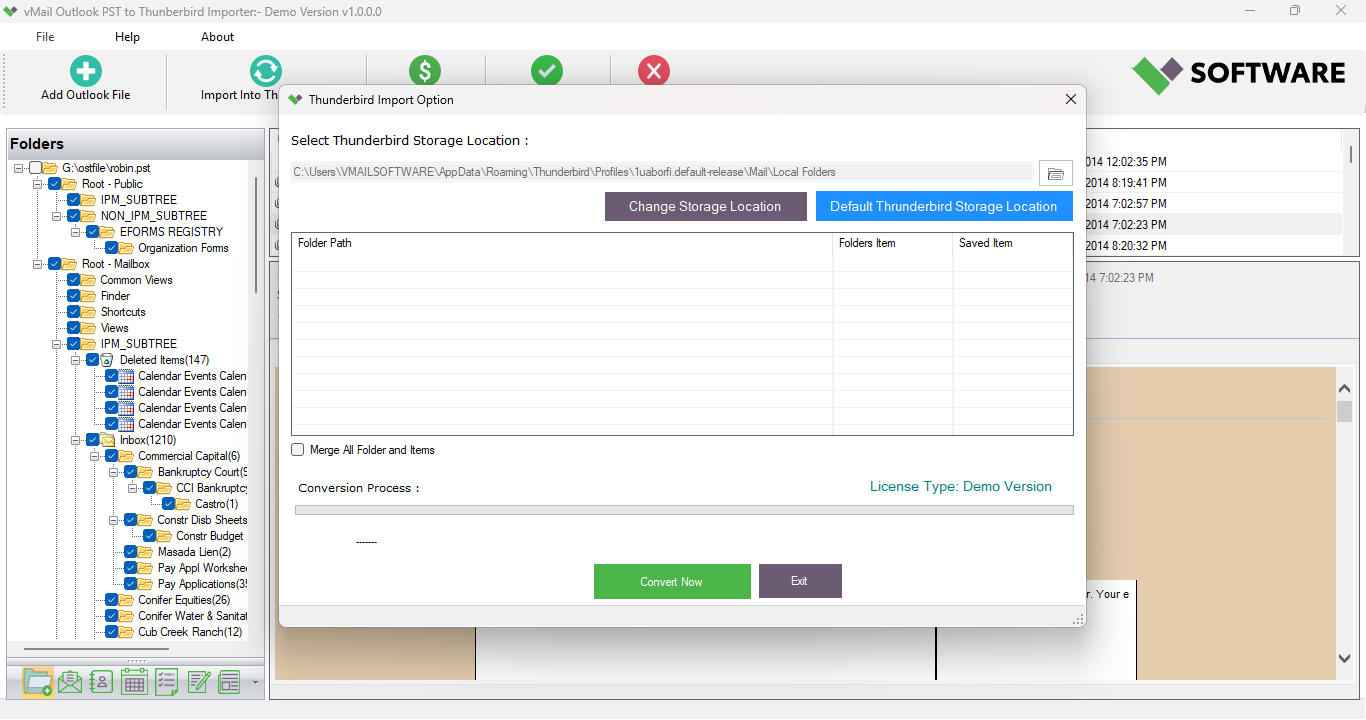
Step-2
View emails data
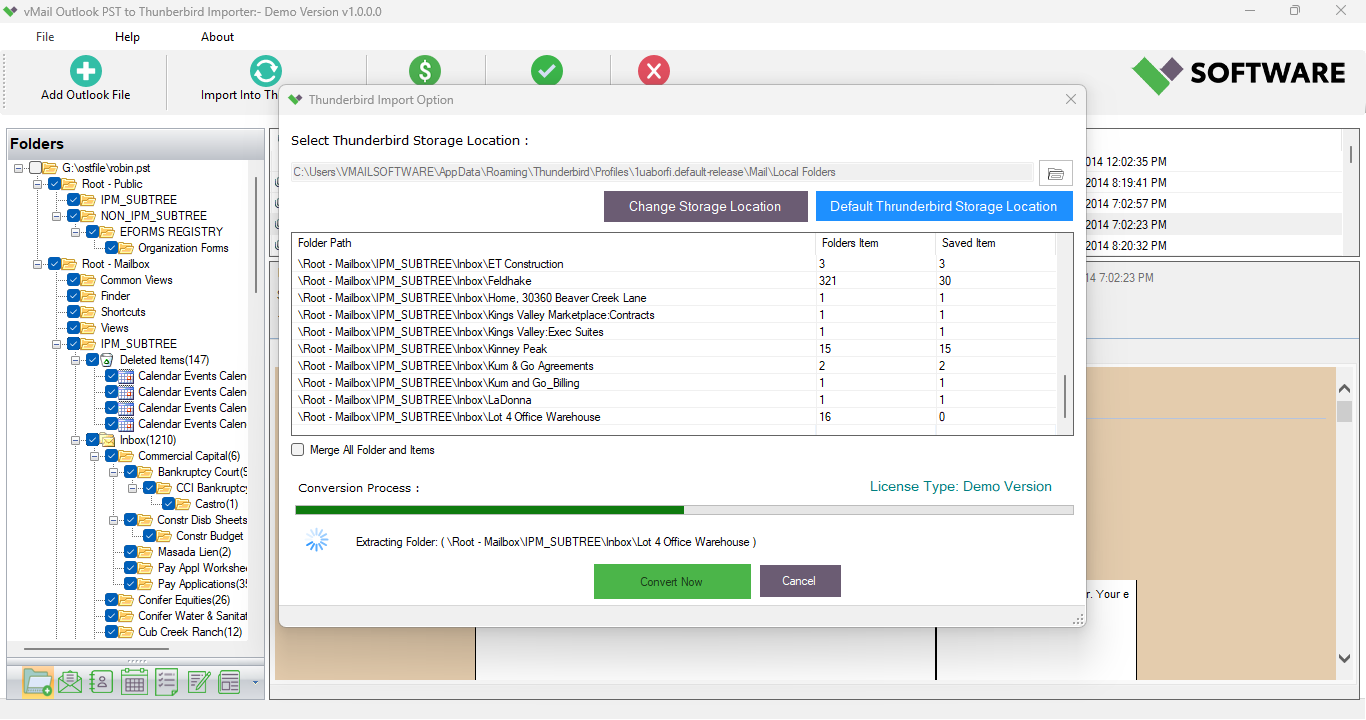
Step-3
Select Export Options
What Our Client Say
“I was able to export MBOX to EML from the Google Takeout files. The software operated effortlessly and retained all the attachments.”

Niamah Hower
Founder“The SysMails MBOX to EML Converter Software is great for people like me, who are not so tech-savvy. The procedure was so simple that it made MBOX to EML conversion quite easy ”

Alivin Corondo
Designer“Fast MBOX to EML conversion with excellent customer support. Highly recommended software for professional email migration.”

Steph Kruse
FounderFrequently Asked Questions