How SysMail OLM to IMAP Migration Works
A step-by-step guide to using SysMail OLM to IMAP Migration to easily importing Outlook OLM email Message to Online IMAP Email Account - Like as Gmail, Yahoo! Mail, Zoho Mail, Outlook.com or any IMAP Supported Email Mailboxes Account.
STEP 1 : Open SysMail OLM to IMAP Migration
NEXT STEP
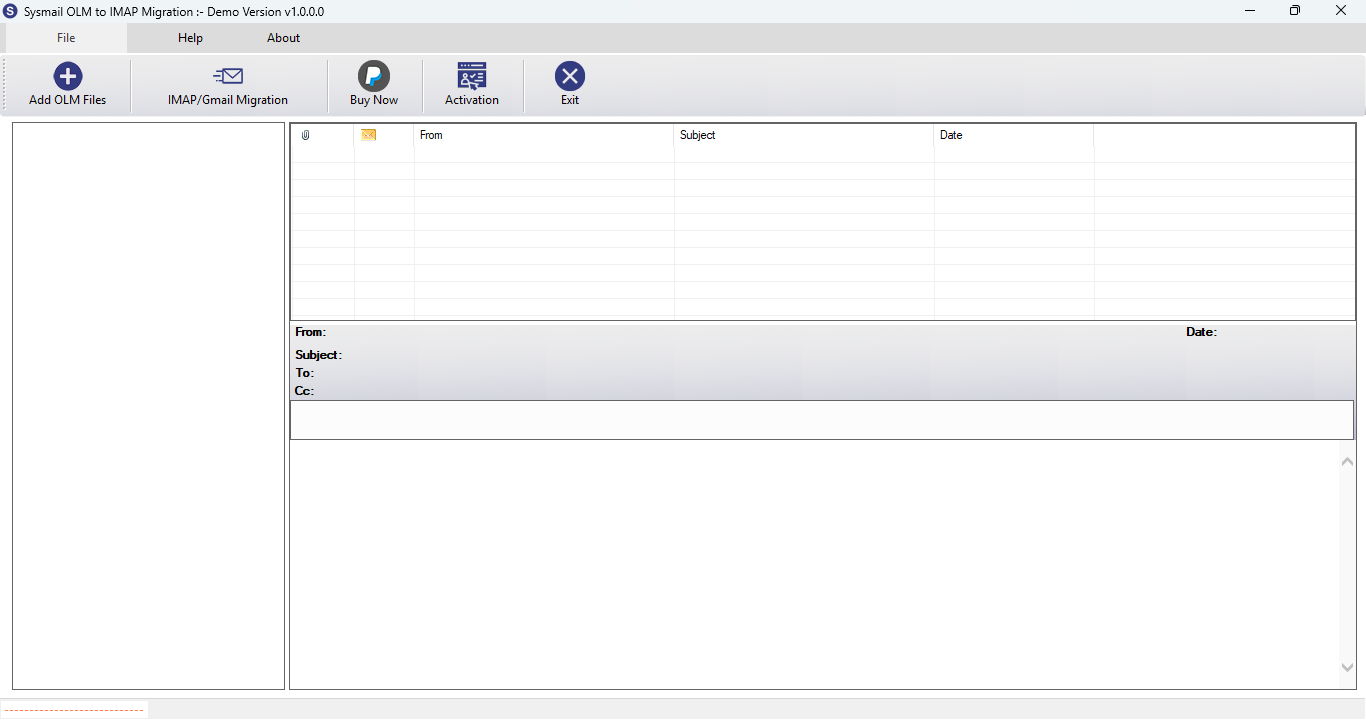
Download and Install SysMail OLM to IMAP Migration Tool. Run the software, click on Next Button Start Software Installing and Open SysMail OLM to IMAP Migration Tool If you want to buy software click on "Buy Now" Then Open directly Software Purchase Page.
Overview
STEP 2 : Select Mac Outlook OLM Files
PREVIOUS STEP NEXT STEP
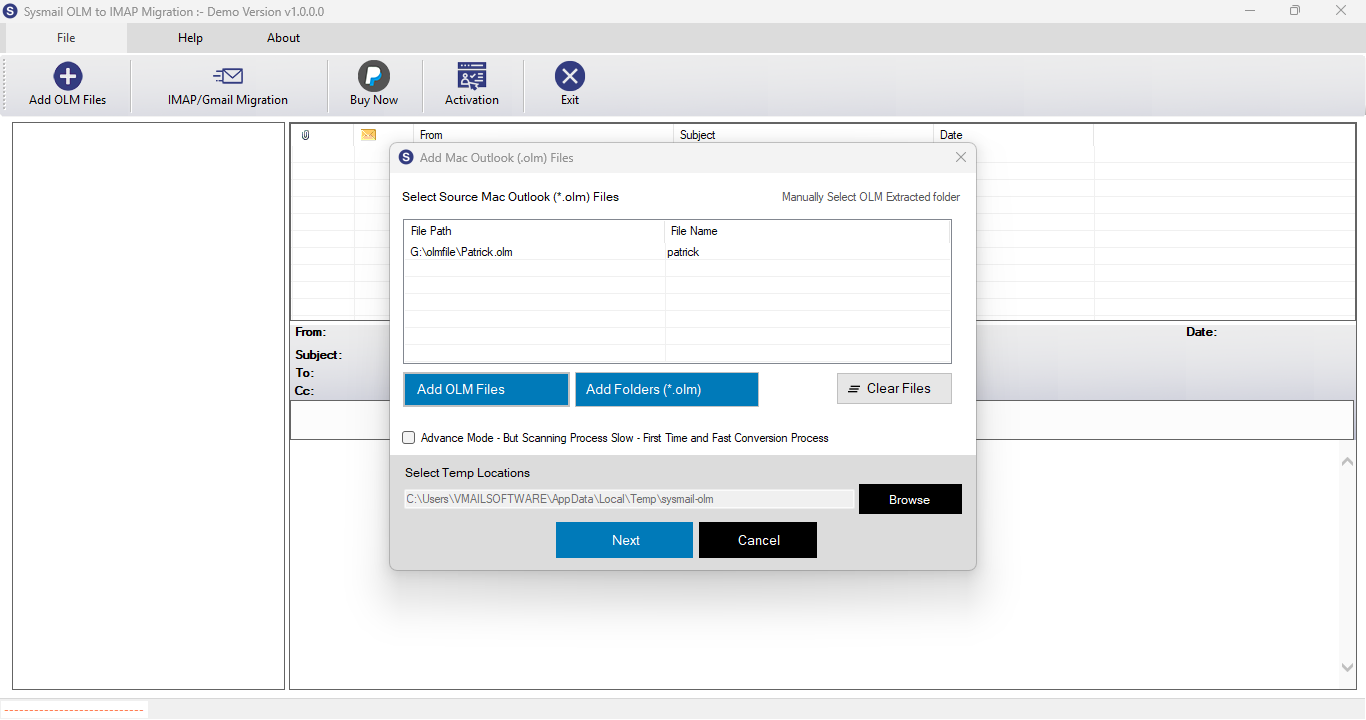
After Opening SysMail OLM to IMAP Migration Tool Then Click on Browse Button then Open Dialog for Select Mac Outlook OLM File and Click on Next Button
Overview
STEP 3 : Searching Email Addresses from each folders
PREVIOUS STEP NEXT STEP
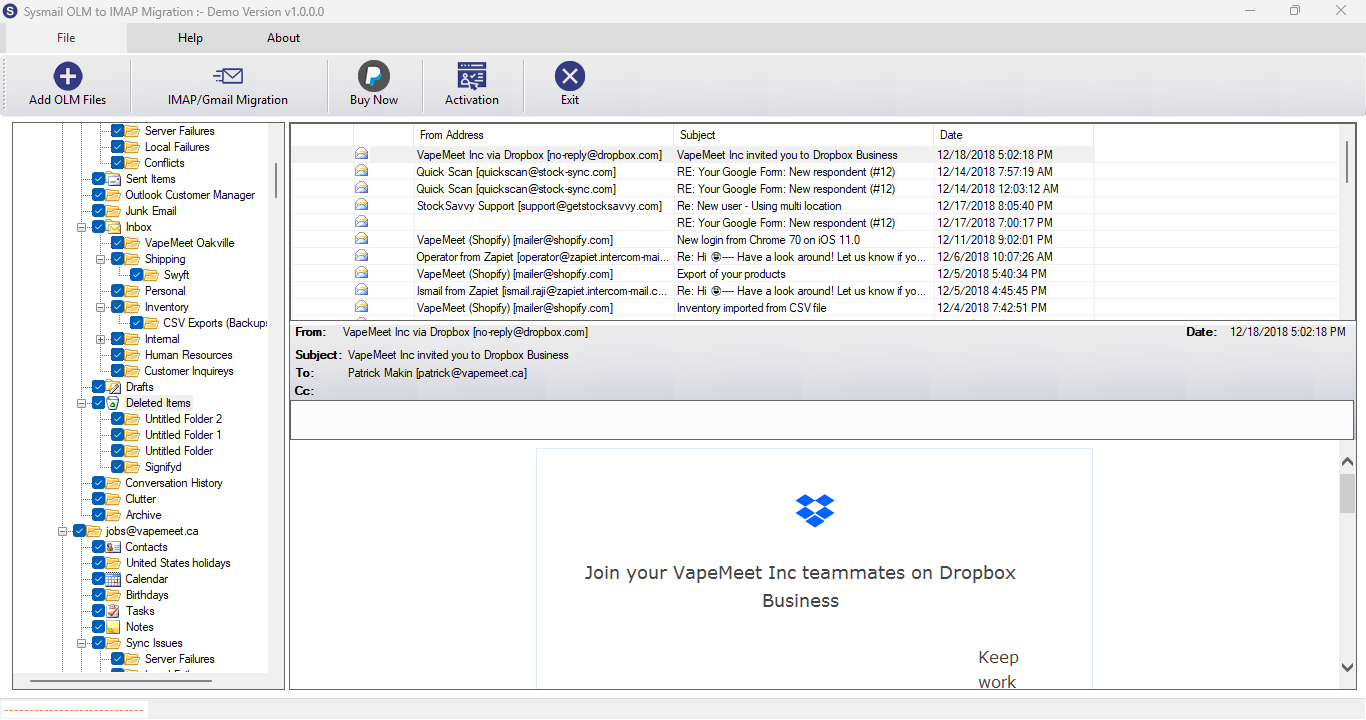
After Scanning and Loading OLM File folder - When click on any folder then software extract message from olm file folder and show into List View
Overview
STEP 4 : Login to IMAP Email Account
PREVIOUS STEP NEXT STEP
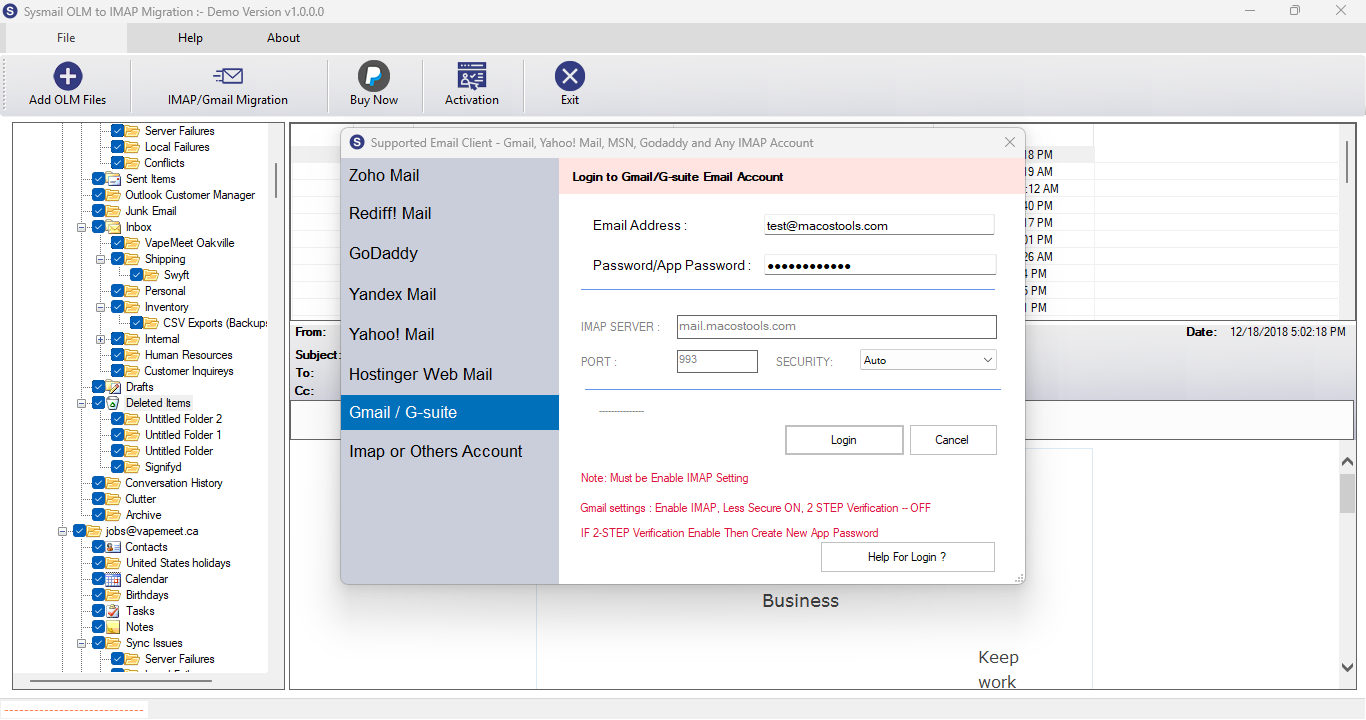
When Click on IMAP Migration button to Open Dialog for login into IMAP Email Account.
Overview
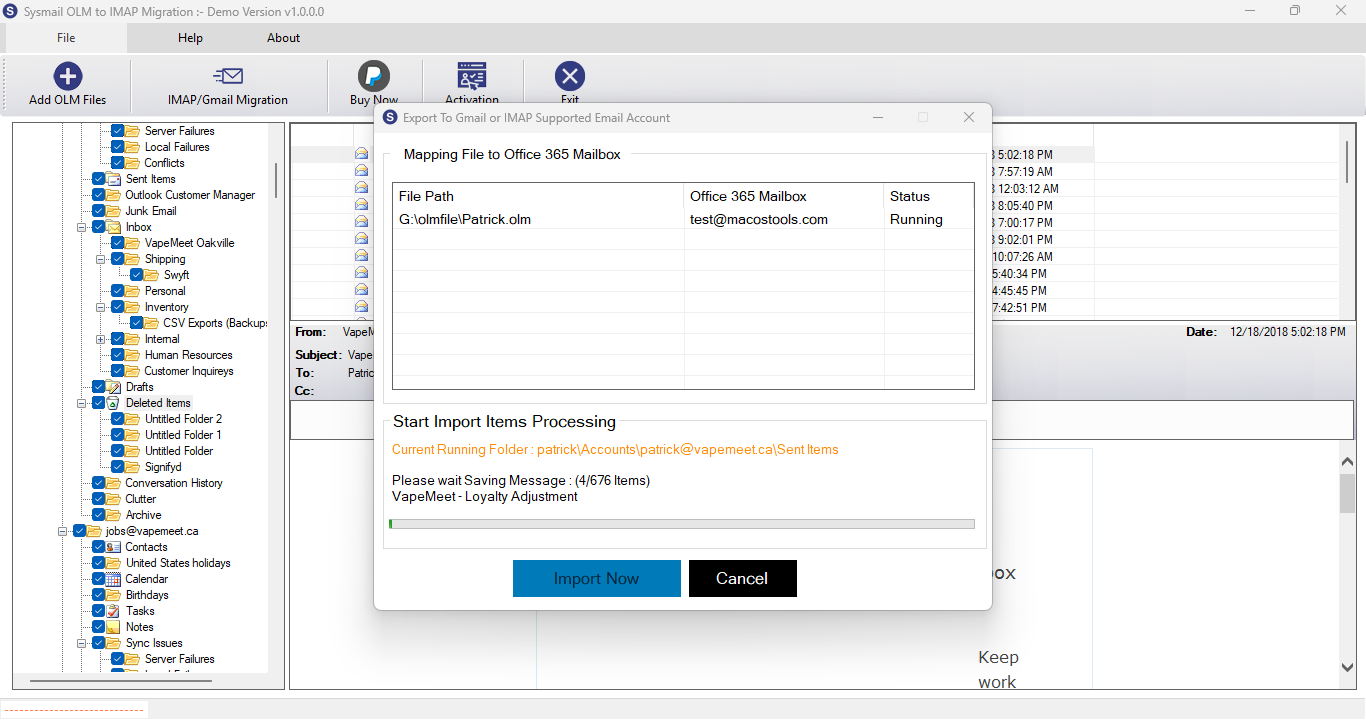
STEP 5 : Start Migration Process
PREVIOUS STEP NEXT STEP
You can click on Login Open Dialog for Migration to IMAP Email Account.
Overview
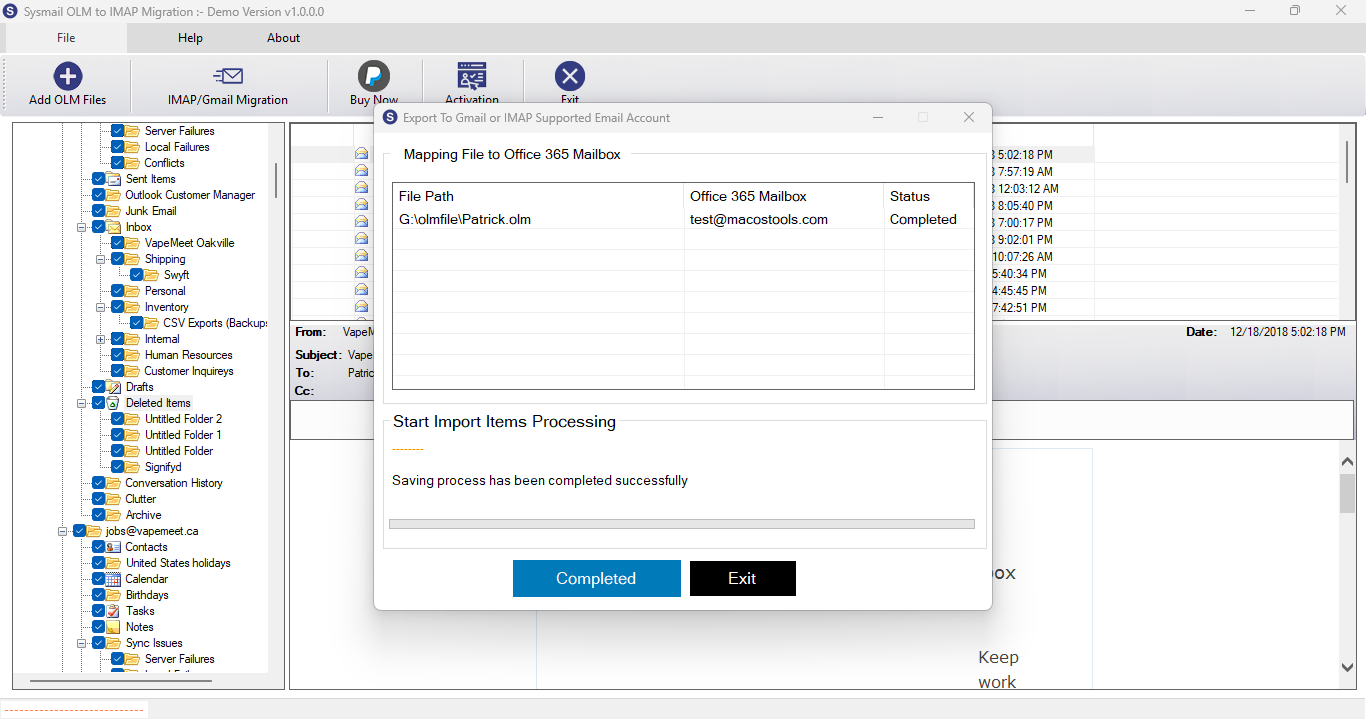
STEP 6 : Complete Migration
PREVIOUS STEP
OLM File Migration Process will be complete.